CurrentChecked against the product 1 September 2026
Sign on and fill a docket
Your docket is the record of your day — your hours, the job, and the machine you were on. It gets signed by the client’s site rep on your phone before you leave. Here’s the whole thing, start to finish. It all works with no signal.
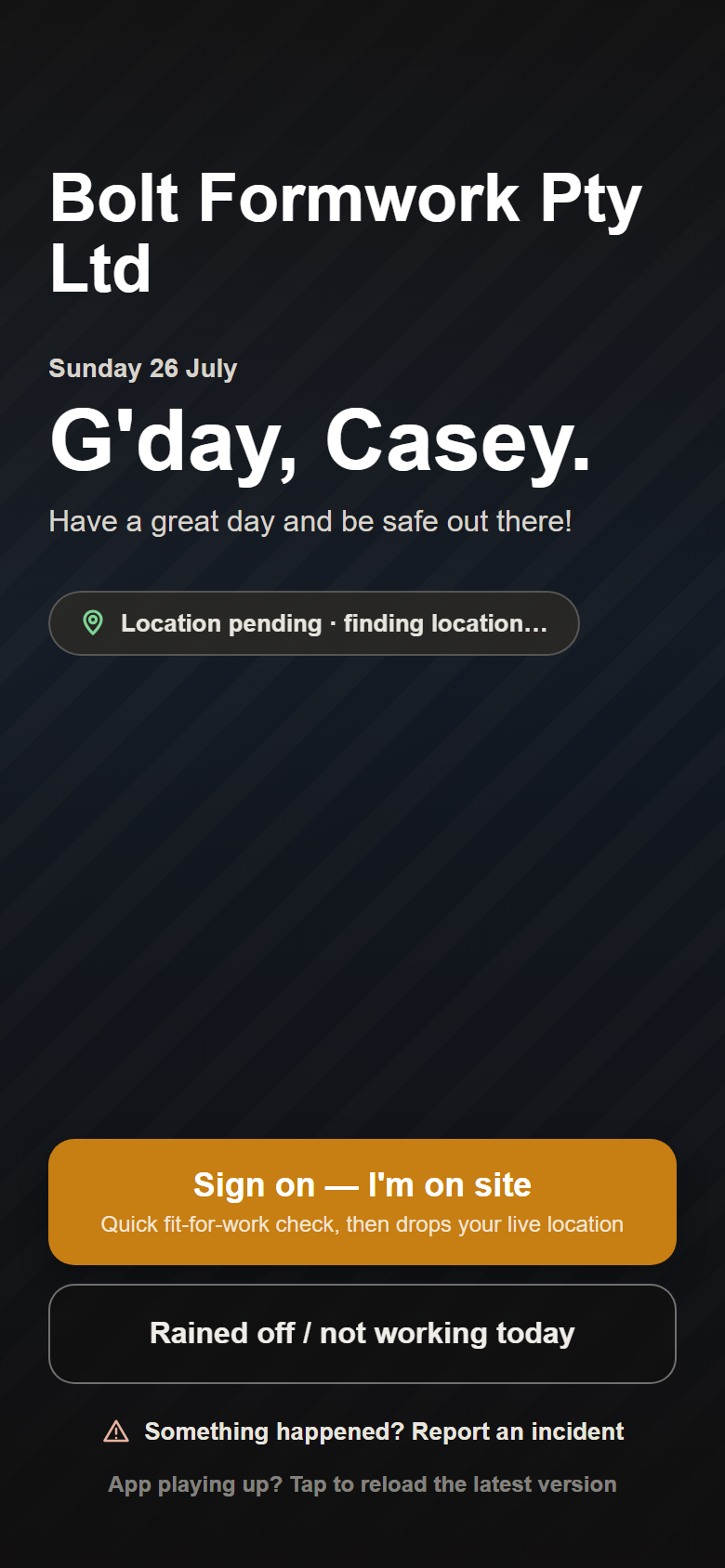
- Sign on — three quick fit-for-work questions (rested, no drugs or alcohol, nothing stopping you working safely).
- Do your pre-start — walk around, tick each check Good, N/A or Fail, and snap a photo of anything that’s not right. A fail raises a work order for the office.
- Start your docket. Your job and machine are already there from what the office set — tap Change if you’re on something else today.
- Fill in start and finish time, breaks, loads and any downtime. The total hours work themselves out.
- Before you leave, hand the phone to the client’s rep. They print their name and sign, and you tap Authorise & accept.
Careful
No rep around to sign? Tap NO SITE REP AVAILABLE. Everything you entered is saved and the docket sits on your home screen to get signed next time you’re on that site — your hours are kept either way. There’s also Or email it to the client to sign if they’d rather do it from the office.
NO SIGNAL?
A docket you fill in a dead spot sits safely on your phone and sends itself the moment you get bars — see Working offline.