CurrentChecked against the product 22 September 2026
I can’t find my company’s login
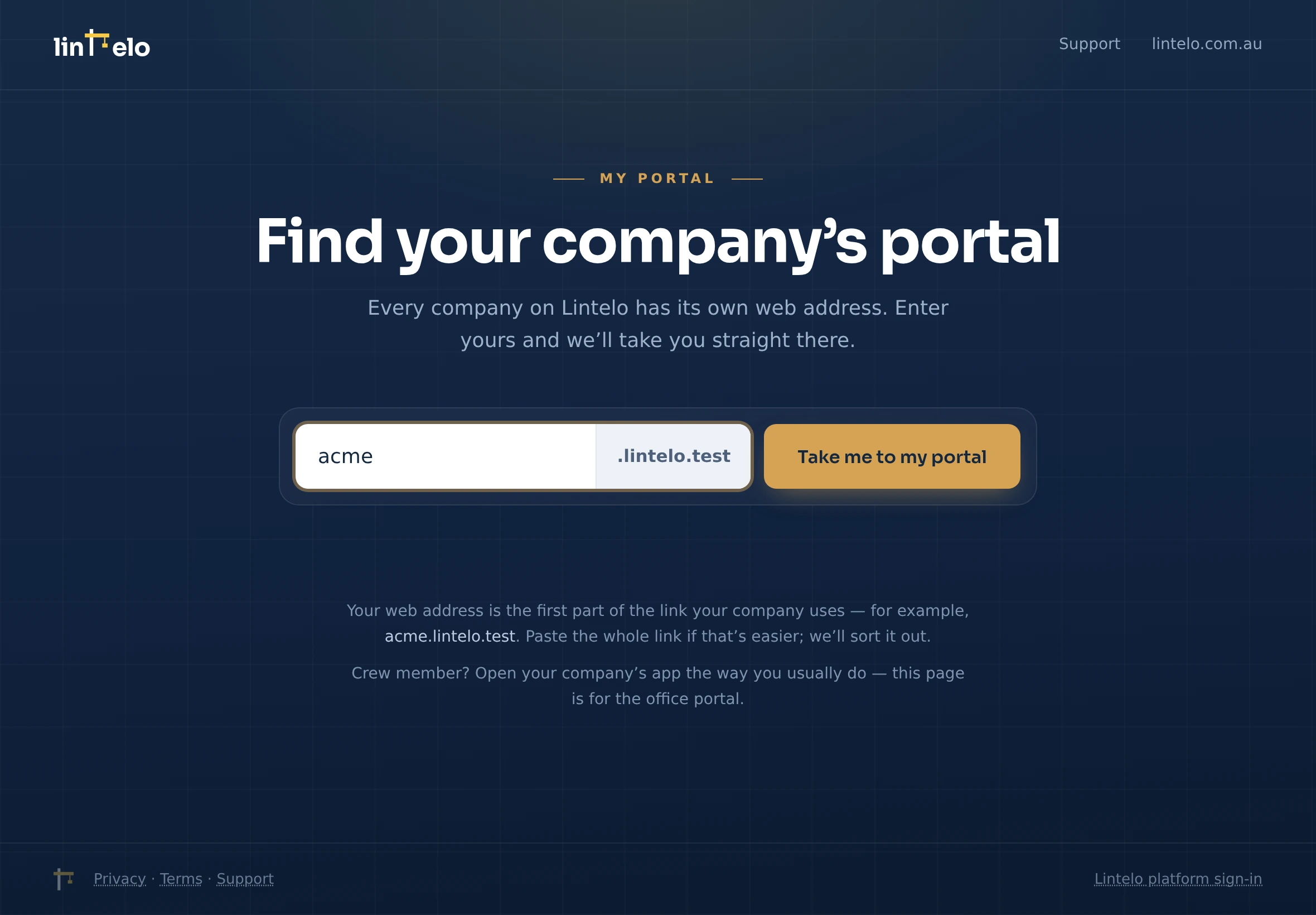
Lintelo doesn’t have one shared login page — each company signs in at its own address, yourcompany.lintelo.com.au. If you’ve lost it, here’s how to get back.
- Go to lintelo.com.au/portal — the Find your company’s portal page. Type your company’s name the way you’d say it (Acme Civil) or the first part of your web address (acme for
acme.lintelo.com.au) and it takes you straight there. Spaces are turned into dashes for you, and it tries the address with and without them. Paste the whole link if that’s what you’ve got; it sorts it out. - Check your welcome email or a crew invite — your address is in the link.
- Still stuck? Email support@lintelo.com.au and we’ll point you to it.
Tip
Once you’re in, bookmark it (office) or add the app to your home screen (crew) so you never have to hunt for it again.